How to Spot and Avoid Pay-to-Win Mobile Games
Learn the warning signs of pay-to-win mobile games, from energy timers to loot boxes, and how to find fair, fun games that respect your time and wallet.
In this guide
Many mobile games are free to download, but some are designed to make the fun depend on how much money you spend. These are often called pay-to-win games, where players who spend money get a big advantage over those who do not. Learning to spot them saves you money, time and frustration.
Free-to-play is not always pay-to-win
Plenty of free games are fair. Some make money only from optional cosmetic items, like character outfits, that do not affect gameplay. Others offer a one-time purchase to remove ads. The problem is not making money; it is designing the game so that frustration pushes you to pay.
Warning signs of pay-to-win design
Energy or stamina limits
You can only play a few rounds before running out of "energy." Then you must wait hours or pay to refill it. A little waiting is fine, but if you hit the wall after five minutes, the game is designed around your impatience.
Multiple confusing currencies
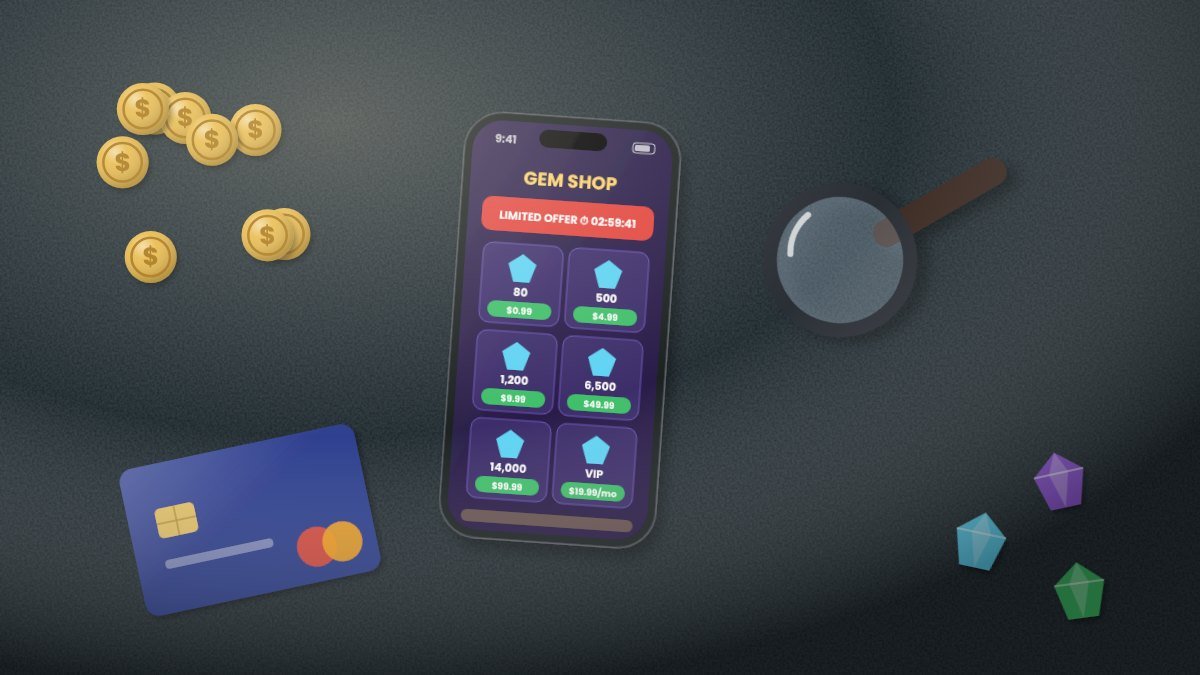
Gems, gold, coins, tokens, shards and tickets: the more currencies a game has, the harder it is to know how much real money you are spending. Bundles often leave you with leftover currency that encourages another purchase.
Loot boxes and random rewards
Loot boxes, gacha pulls and "mystery chests" give random rewards. You may pay repeatedly hoping for a rare item. Both Apple's App Store and Google Play require games with paid random items to disclose the odds of receiving them, so look for those odds in the game.
Difficulty spikes
The game feels easy and generous at first, then suddenly becomes much harder right as purchase offers start appearing. This is a common tactic to hook players before introducing pressure to spend.
Limited-time offers everywhere
Countdown timers, "only today" bundles and pop-up deals create urgency. If you see a special offer every time you open the game, it is designed to push impulse buys.
VIP or subscription tiers that boost power
Subscriptions that give extra rewards are common. They become pay-to-win when they provide major gameplay advantages, especially in competitive games.
Competitive play against paying players
In multiplayer games where items can be bought, players who spend money may have stronger characters or gear. If you constantly lose to players with paid upgrades, the game is not a fair contest.
How to research a game before downloading
- Check the "In-App Purchases" section on the store page. Look at the price range of items. Packs costing $50 to $100 are a red flag for heavy spending pressure.
- Read recent reviews, especially the critical ones. Players often call out pay-to-win design.
- Look for a "premium" version. Many developers offer a one-time purchase with no ads or in-app purchases.
- Search for the game on forums and communities to see what long-time players say.
Fair alternatives
- Premium games: Pay once and get the full game. Examples include Stardew Valley, Monument Valley and Mini Metro.
- Subscription services: Apple Arcade, Google Play Pass and Netflix Games offer games without the usual in-app purchase pressure. Check what is included on your device.
- Cosmetic-only free games: Free games that only sell skins or decorations are generally fair.
Protect your wallet
- Set a monthly gaming budget and stick to it.
- Remove saved payment methods or require a password for every purchase.
- Use gift cards to cap spending.
- Turn on purchase approvals for children using Apple's Ask to Buy or Google Family Link.
- Wait 24 hours before buying anything in a game. If you still want it tomorrow, it is a considered choice rather than an impulse.
The bottom line
The best mobile games respect your time and wallet. Learn to recognize energy timers, random paid rewards, confusing currencies and endless offers. Then choose games that are fun on their own, whether they are free with fair options or a one-time purchase.